
Answer Engine Optimization (AEO): How to Get Cited by AI
How AI answer engines choose sources, and the content, technical and measurement steps that make your pages the ones they cite.
Read article
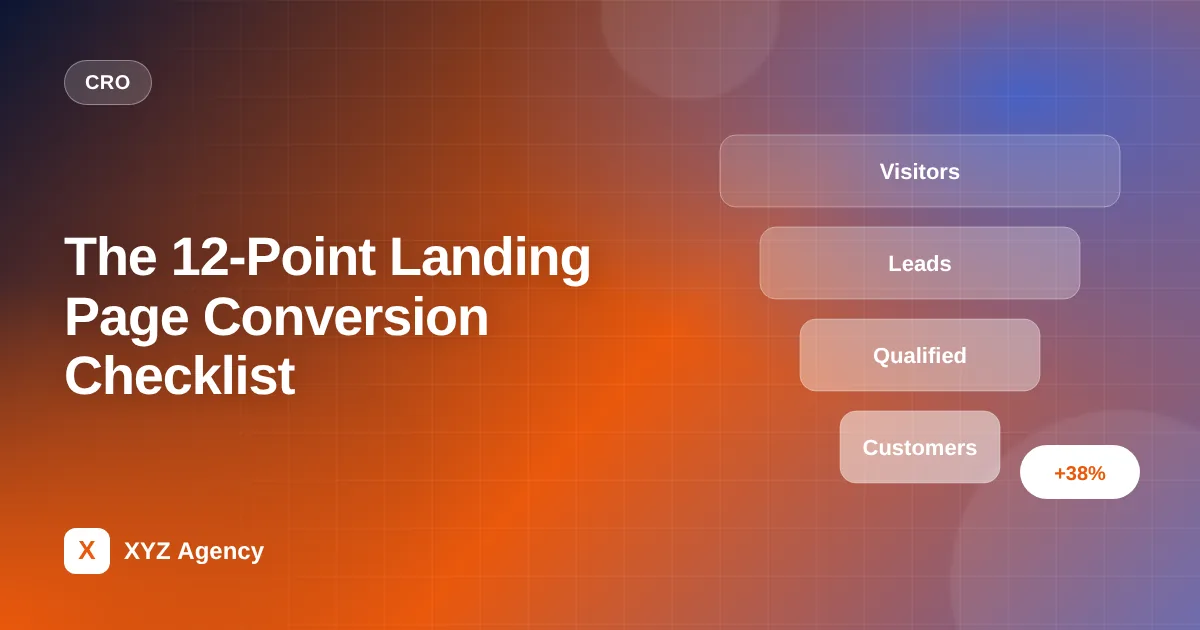
A landing page conversion checklist confirms a page turns traffic into leads or sales. The 12 checks: match the ad or query, state the outcome, show the CTA on load, keep one action, cut form fields, build mobile-friendly forms, show proof early, explain next steps, answer objections, pass Core Web Vitals, stay readable and accessible, and track and test.
A landing page conversion checklist is a repeatable set of checks that confirms a page turns paid and organic traffic into leads or sales. Before you spend more on traffic, make sure the page receiving it does its job. These are the 12 points we review on every landing page, grouped into intent, action, trust, speed and measurement.
A landing page converts when it matches what the visitor expected, makes one action obvious and easy, and removes doubt quickly. Google's Quality Score documentation describes landing page experience as how relevant and useful your page is to people who click your ad, and lists it alongside expected clickthrough rate and ad relevance.
| # | Checkpoint | Quick test |
|---|---|---|
| 1 | Message match | Does the headline echo the ad or query? |
| 2 | Outcome headline | Can a stranger say what you offer in five seconds? |
| 3 | Visible CTA | Is the main button visible on load on a phone? |
| 4 | One primary action | Are navigation and competing links gone? |
| 5 | Minimal fields | Can sales justify every field? |
| 6 | Mobile-friendly form | Do email and phone fields show the right keyboard? |
| 7 | Early proof | Is real proof near the top? |
| 8 | Next-step clarity | Does the page say what happens after submit? |
| 9 | Objections answered | Are price, timing and risk questions covered? |
| 10 | Core Web Vitals | Does the page pass LCP, INP and CLS? |
| 11 | Readable and accessible | Does it work at phone width and by keyboard? |
| 12 | Tracking and testing | Is every conversion tracked and one test running? |
The top of the page must confirm visitors are in the right place and show them what to do next. The first few seconds decide whether they stay.
The headline should mirror the ad or query that brought the visitor. If they searched for 'B2B SEO agency', say exactly that. Google's advice on optimizing landing pages is to choose a page that closely matches your ad and keywords and to mirror the ad's call to action.
Lead with the result the buyer wants, then add a subheading that says who it is for and how it works. Avoid clever wordplay that forces visitors to decode the offer.
Make the main button visible without scrolling on desktop and mobile, with a label that describes the result, such as 'Get my audit' rather than 'Submit'.
Each landing page should have a single primary goal, and every element should support it.
Remove the main navigation, unrelated links and secondary offers. Repeat the same call to action at natural decision points, such as after proof and after the FAQ.
Every extra field is a reason to leave. Google's web.dev guidance on sign-up forms recommends asking only for essential data and collecting more later, once users see a clear benefit.
Visitors decide whether to believe you within the first screen or two, so proof and transparency belong near the top.
Place a short testimonial, recognizable client logos, review ratings or a concrete case study close to the headline. Use only real, verifiable proof; invented numbers destroy trust the moment a buyer checks.
Tell visitors exactly what happens after they convert: who will contact them, when, and what the call or trial includes. Uncertainty about the next step quietly kills conversions.
Add a short FAQ covering price ranges, timelines, contract terms and data privacy. Google also recommends providing useful, unique information about what you advertise and notes that customer reviews can help.
Traffic is rented. Conversion rate is owned.
Speed and usability are conversion factors, not just technical metrics. A slow or awkward page wastes every dollar spent on the click.
According to web.dev, a good experience means Largest Contentful Paint of 2.5 seconds or less, Interaction to Next Paint of 200 milliseconds or less, and Cumulative Layout Shift of 0.1 or less, measured at the 75th percentile of page views. Compress hero images, defer non-critical scripts and reserve space for embeds. Our INP optimization guide goes deeper.
Track every conversion end to end and test one meaningful change at a time. Without clean measurement, you cannot tell a real lift from noise.
For tracking that respects consent choices and survives browser restrictions, see server-side tracking and consent mode.
Advotis Agency designs, builds and tests landing pages for paid and organic campaigns. See our web experience services or contact our team to request a landing page review.
There is no universal benchmark, because conversion rates vary widely by industry, offer, traffic source and how a conversion is defined. The most useful benchmark is your own baseline. Measure it accurately, then aim to improve it through structured tests.
As few as your sales process genuinely needs. For many B2B offers that means name, work email and perhaps company. Google's web.dev guidance recommends collecting only essential data up front and asking for more later, once users see a benefit.
Usually not. Removing the main navigation and unrelated links keeps attention on the single primary action. Keep only what supports that action, such as a link to a privacy policy or an anchor to the FAQ.
Aim to pass Google's Core Web Vitals: Largest Contentful Paint of 2.5 seconds or less, Interaction to Next Paint of 200 milliseconds or less and Cumulative Layout Shift of 0.1 or less at the 75th percentile of visits. Faster pages waste less of your ad spend.

Written and reviewed by the Web Team at Advotis Agency — specialists who build and grow websites, apps and AI products for clients every day. About us
How AI answer engines choose sources, and the content, technical and measurement steps that make your pages the ones they cite.
Read article
Twelve proven ways companies use AI agents in 2026, how to choose your first one, and how much autonomy to give it.
Read article
How to measure, diagnose and fix Interaction to Next Paint so your site feels instant and passes Core Web Vitals.
Read articleTalk to a senior specialist — we reply within one business day with a clear plan.